Our advice: arrange it before 1 December. 15 days left. Get started for 2026
You have been asked to sign for Voltico
A colleague has signed your company up with Voltico and named you as the signatory. You get an email with a personal link. Here you can read what comes next.
Contents
What does Voltico do?
Voltico registers the charging sessions of your company's charge points with the Dutch Emissions Authority (NEa). That produces emission reduction units (EREs). We sell them and pay out your company's share. With your signature you give permission for this on behalf of the company.
Is the email genuine?
You see your own details
Behind the link, the name of your company, your name and your email address are at the top. Not right? Then do not continue.
No password, no payment
You do not enter a password, payment details or bank details. You only do an identity check and sign.
In doubt?
Ask the colleague who did the sign-up, or email us at support@voltico.nl.
Three steps, through the link in the email
Open the link
Check your company name, your name and your email address at the top. Prefer English? Click EN at the top right.
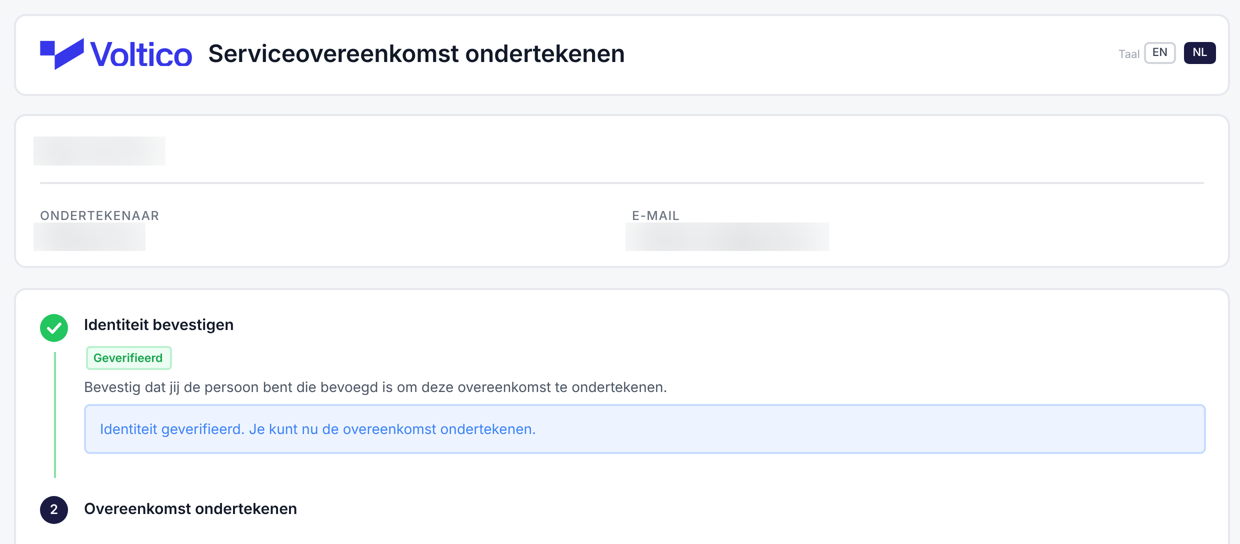
This is the page behind the link. The details are blurred here. Confirm your identity
That is how we know the person signing really is the authorised signatory from the KvK. Our partner Stripe runs the check, in about 2 minutes. You scan a QR code with your phone (or use your webcam), take a photo of your ID and a selfie.
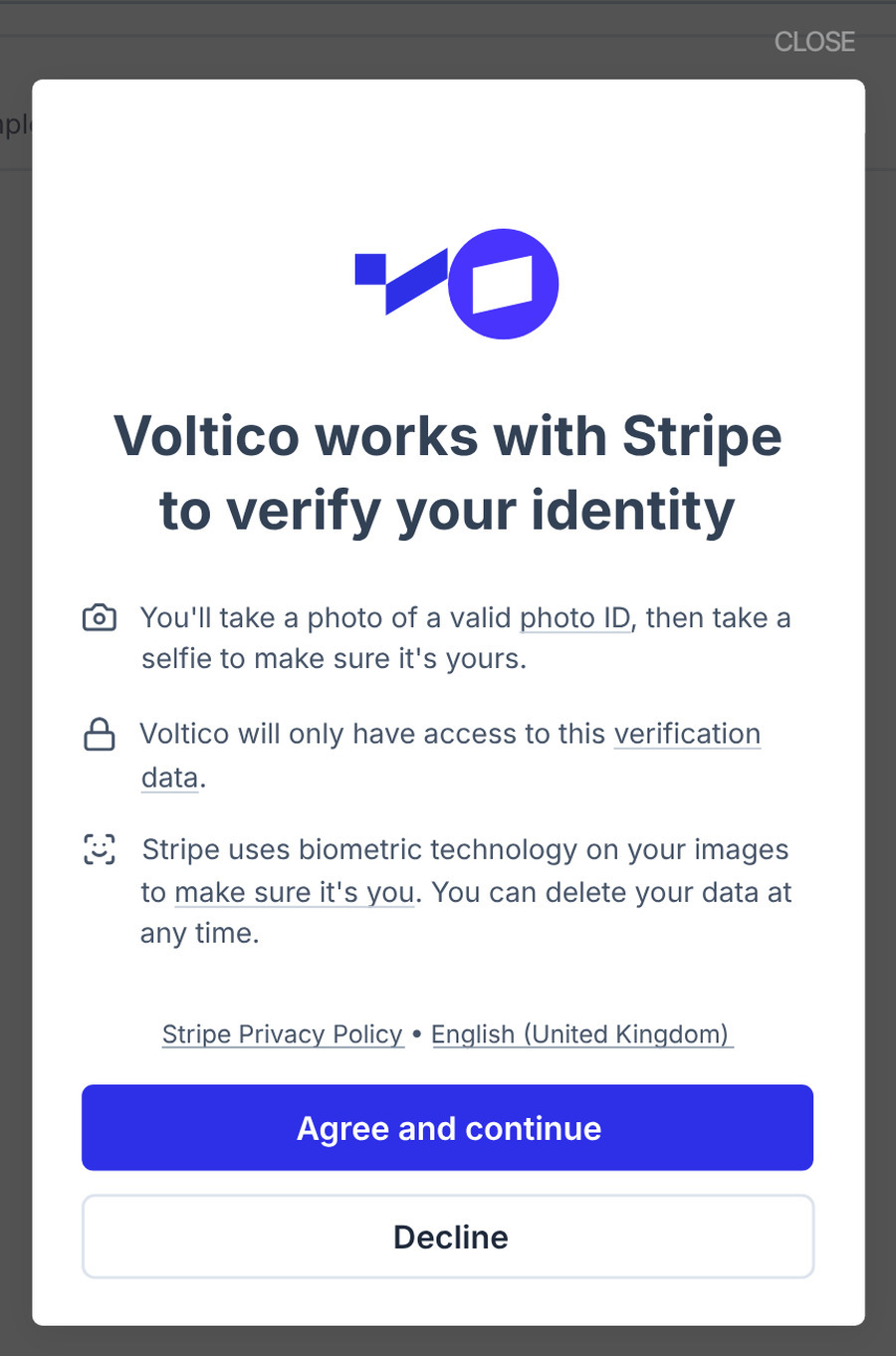
Stripe first explains what happens and asks for your consent. Sign the agreement
The agreement opens straight after the check, with the company and location details already in it. Download the agreement and the terms, and click Sign now.
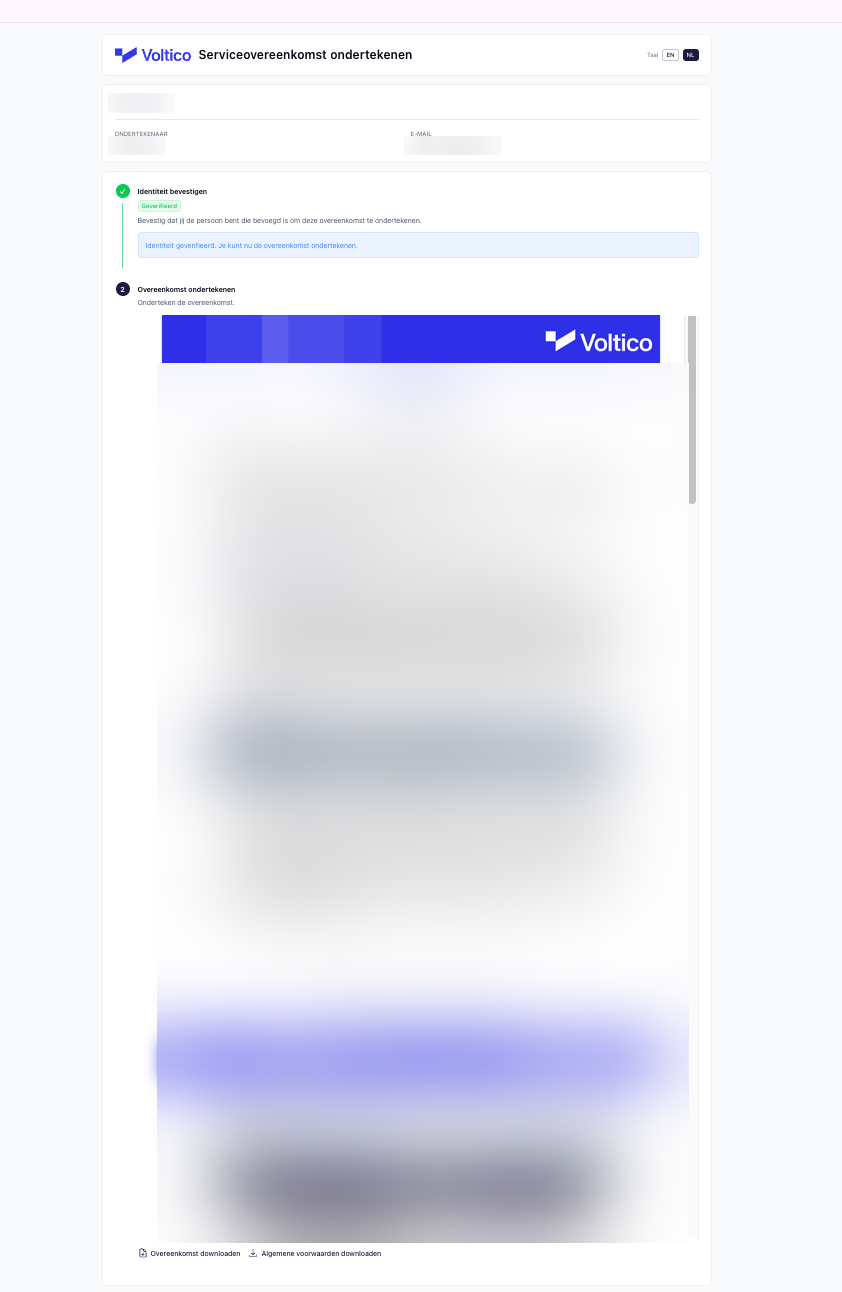
After the check the agreement opens on the same page. The text is blurred here.
What do you need?
A valid ID. Passport, ID card or driving licence.
A phone with a camera. Or your computer's webcam.
Your official name. The check compares your name with your ID. If your passport says Petrus, the signatory must be entered as Petrus too, not Peter.
Good light. Put your ID on a dark, flat surface with all four corners in view. Take off your glasses and cap for the selfie.
Then you are done. Your colleague gets an email with the signed agreement and finishes the rest of the sign-up.

Who is Stripe?
Stripe is a payment and verification company. Voltico has Stripe run the identity check, so your ID does not end up with us. What Stripe itself promises:
Encrypted
Your data travels over an encrypted connection (TLS) and is stored encrypted (AES-256).
At Stripe, not at Voltico
Stripe keeps your photos and ID. Voltico uses the outcome: verified or not.
Audited security
Stripe is certified as a PCI Service Provider Level 1 and has SOC 1 and SOC 2 reports produced every year.
No longer than needed
Stripe keeps the biometric data from your selfie and ID for at most a year, or less if you withdraw your consent. It only uses them to improve the check if you give permission.
Stripe processes the verification data in the United States and is covered by the EU-US Data Privacy Framework for this.
How Stripe handles your verification dataWhat do you sign?
An authorisation agreement. With it your company gives Voltico permission to register the charging sessions, sell the EREs and pay out the company's share. There is no subscription and no connection or start-up fee. Voltico keeps a service fee on the actual ERE revenue: from 20%, lower as the volume grows. If it produces no EREs, the company pays nothing. The agreement runs for at least one calendar year and can then be cancelled each year, with three months' notice before the end of the year.
This is a summary. If it differs from the authorisation agreement, the agreement applies. You can download the agreement and the terms before you sign.
Business terms and conditionsNot working?
I did not get an email
Check your spam folder. Still nothing? Ask your colleague to check the email address in step 3 of the sign-up.
Stripe asks for consent
Stripe first explains what the check does and asks for your consent. Without it the check cannot go ahead and you cannot sign.
My name does not match
The signatory name must match your ID exactly. Email support@voltico.nl and we will change it.
Signing does not work
An ad blocker can block the signing tool. Turn it off, or allow docuseal.eu, and try again.